This release changes how you move between a persona and its conversations. Every chat now has its own page, the persona profile is back as a page of its own, and the sidebar lists each persona's chats again. Public persona pages put the conversation first. We also published our terms and gave you a choice about analytics in your browser.
A page for every chat
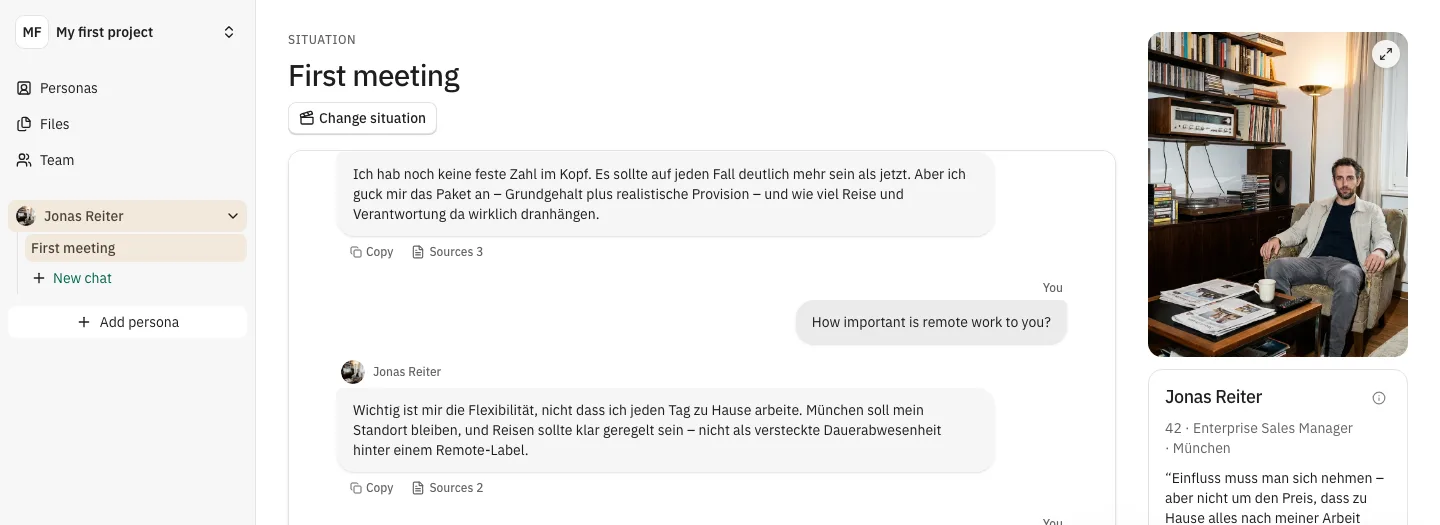
Chats no longer sit in a panel docked to the persona. Each chat opens on its own page. The situation is at the top, the conversation in the middle, and the persona column on the right. That column holds the portrait, the persona's credo and two facts that matter for this situation. For example, a pricing conversation shows different facts than a first meeting.
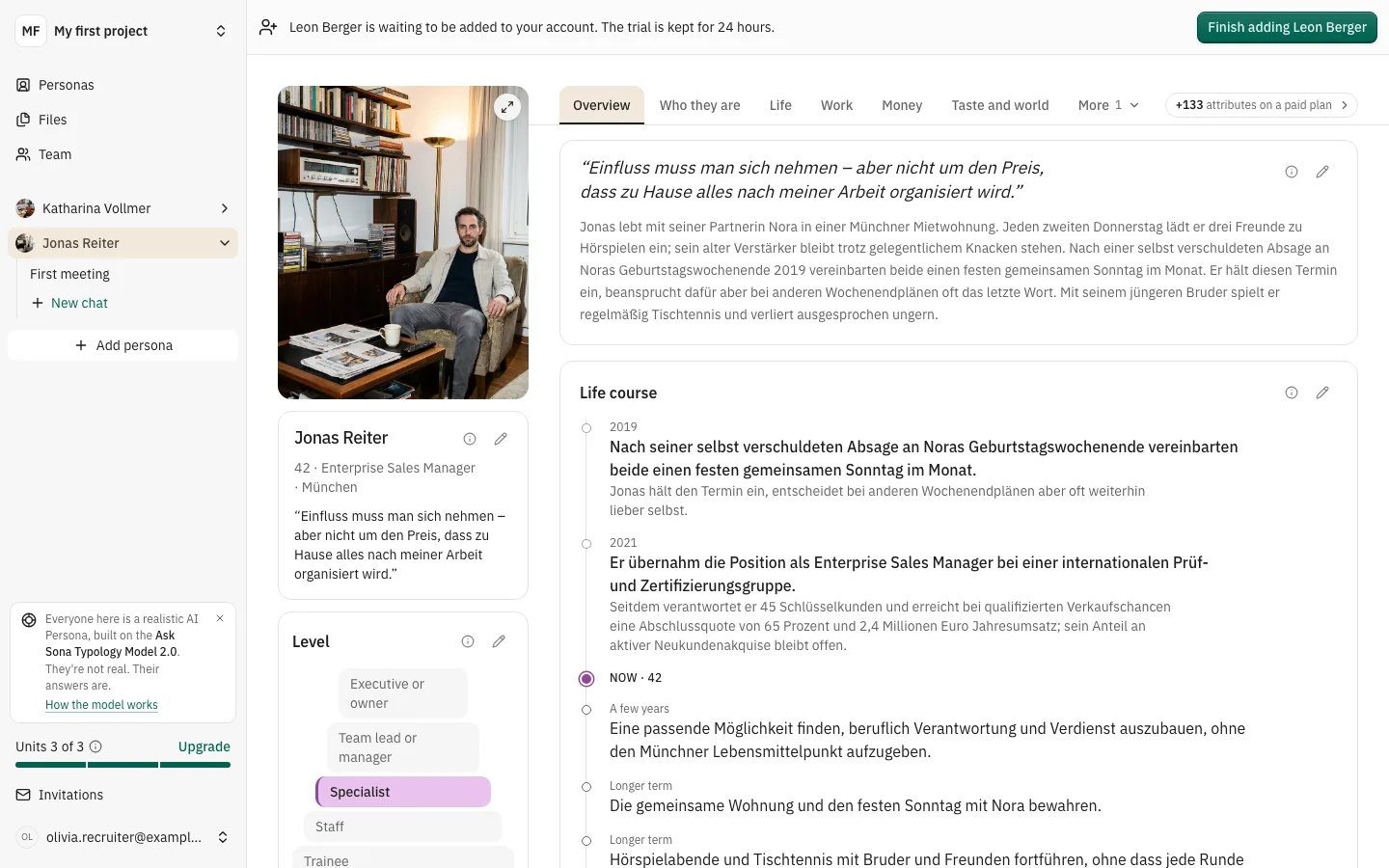
In the sidebar, each persona expands into its chats. Chats are named after their title or their situation, and you can rename or delete them from the "…" menu.
For users, this means you can keep several conversations with the same persona and come back to the right one quickly.
The persona profile is back
Opening a persona shows its profile again, with the same persona column on the left and the familiar tabs next to it. Start a new chat right from the column, or edit the persona's name in place.
One way to start a conversation
Every "New chat" button opens the same situation picker: in the sidebar, on the profile, on project cards and inside a chat. It lists the ready-made situations by group. You can also start without a situation, or, as an editor, create your own. Creating your own starts the short interview right away.
Public persona pages: talk first
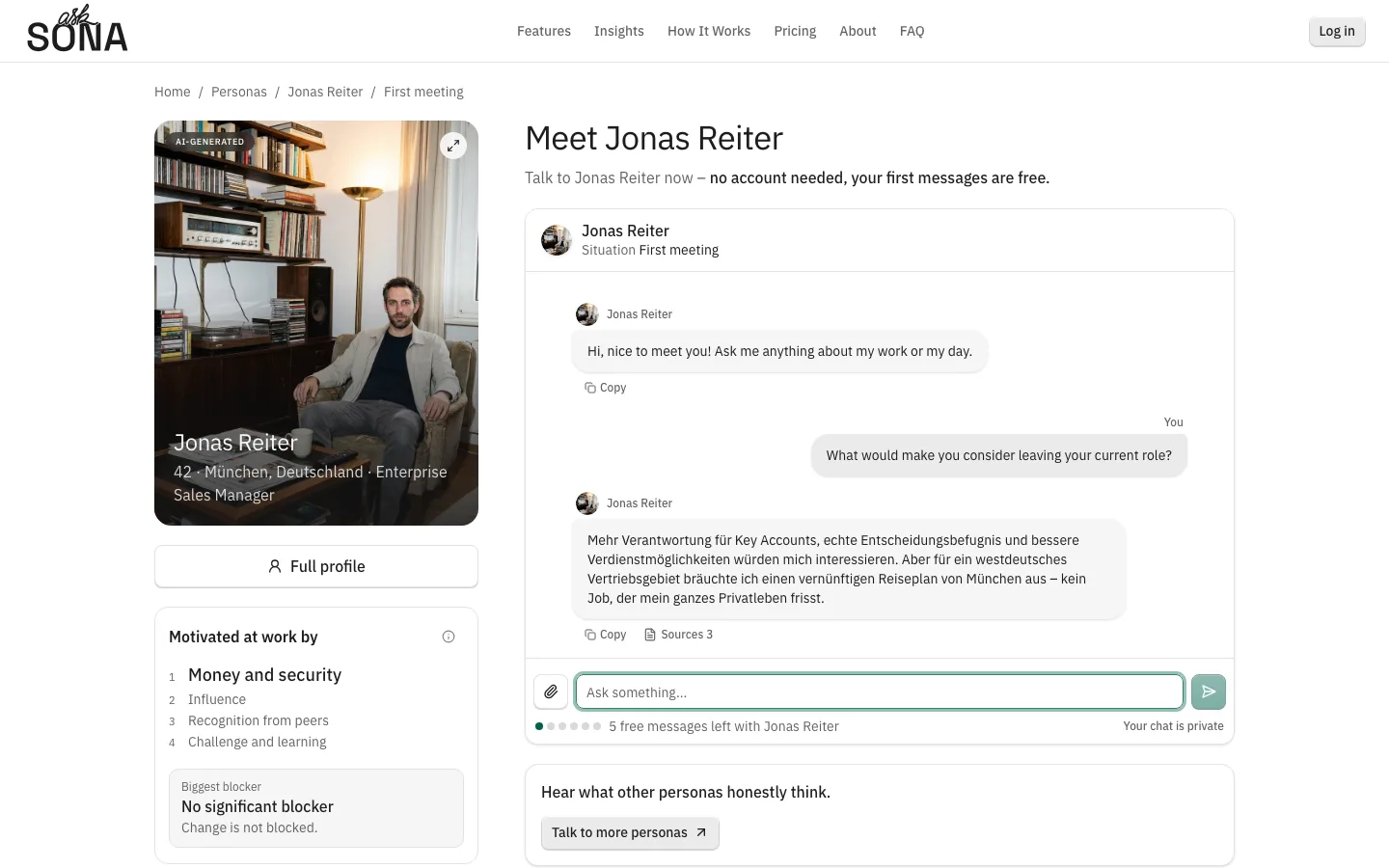
On asksona.io, a persona page now opens with the conversation. The portrait sits beside it with cards for the persona's level, what motivates them at work and their next move. Once you've written something, "Full profile" switches to the persona's public profile and back, without losing the conversation.
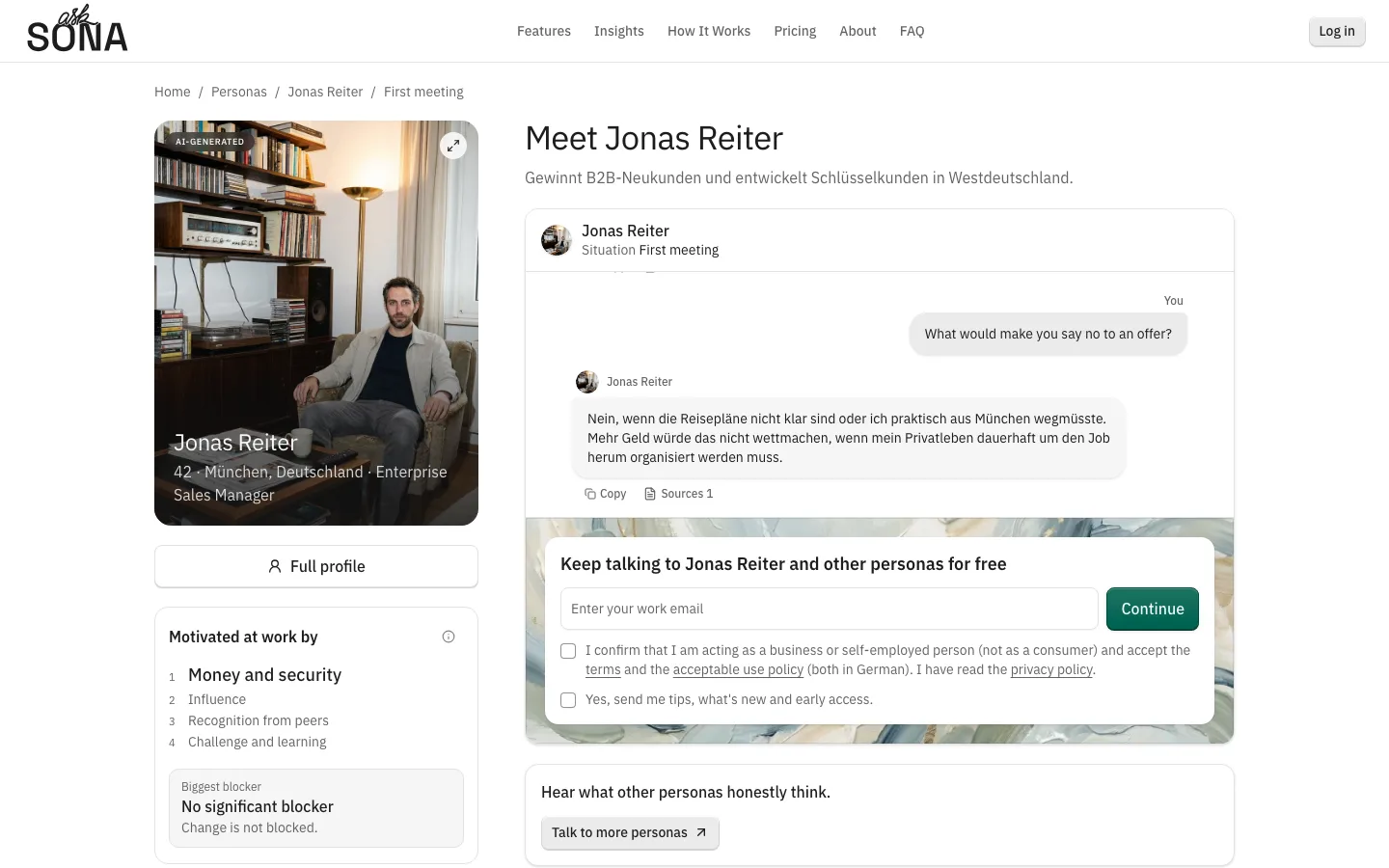
Visitors can now send six messages before signing up instead of five. When those are used up, signup happens right where you were typing: enter your email and the code, and the conversation is saved to your new account. After signing up you land in that chat.
Some public persona links now come with a few suggested opening questions you can send with one tap.
Terms and privacy
Our terms (AGB), usage policy, data processing agreement (AVV) and privacy policy are now published in German at asksona.io/de/agb, /de/nutzungsrichtlinie, /de/avv and /de/datenschutz. Signup and checkout link to them, and accounts that haven't accepted the terms yet are asked once in the app.
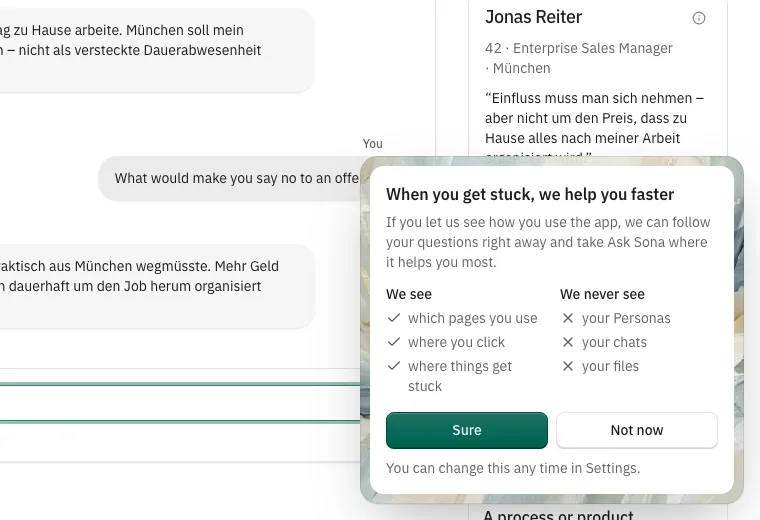
Analytics in your browser are now off until you agree. After your first persona, a short card explains what we see and what we never see, and you decide. You can change your answer in Settings at any time. Session recordings mask all text and inputs, and we no longer send your email address to our analytics provider.
AI requests now go only to the hosts we name for each model.
Smaller changes
- The template catalog shows our ten current ready-made personas.
- Copy now says "situation" and "ready-made persona" throughout.